Esquire
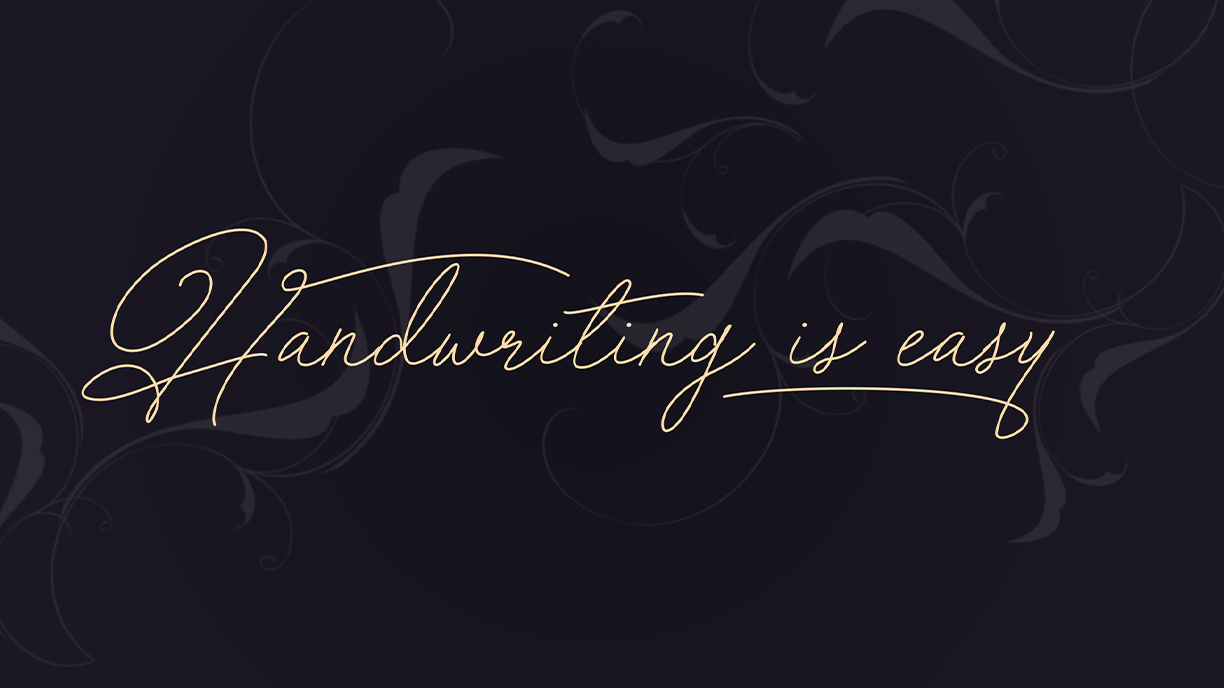
The gold standard for luxury and cinematic titles.
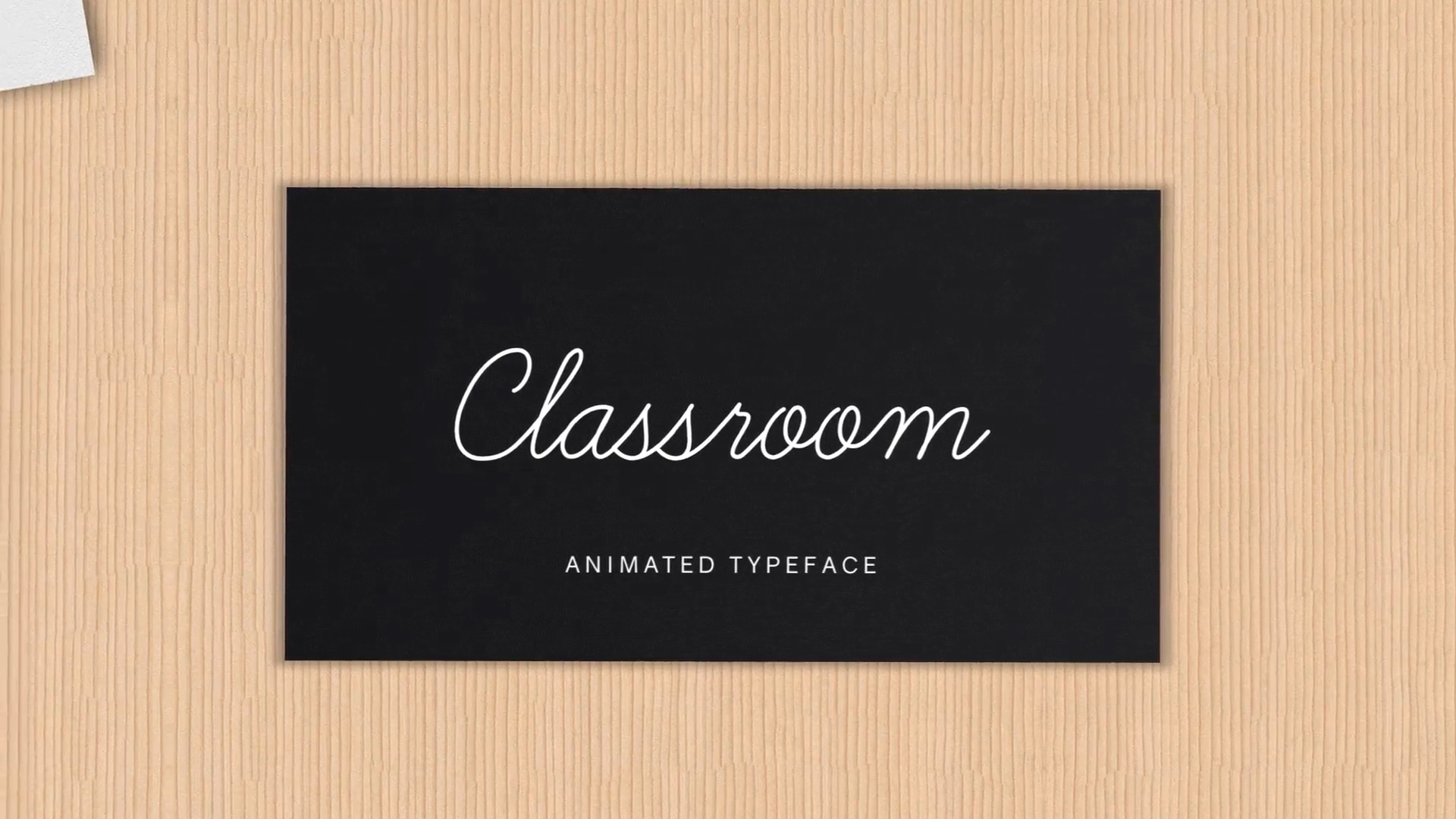
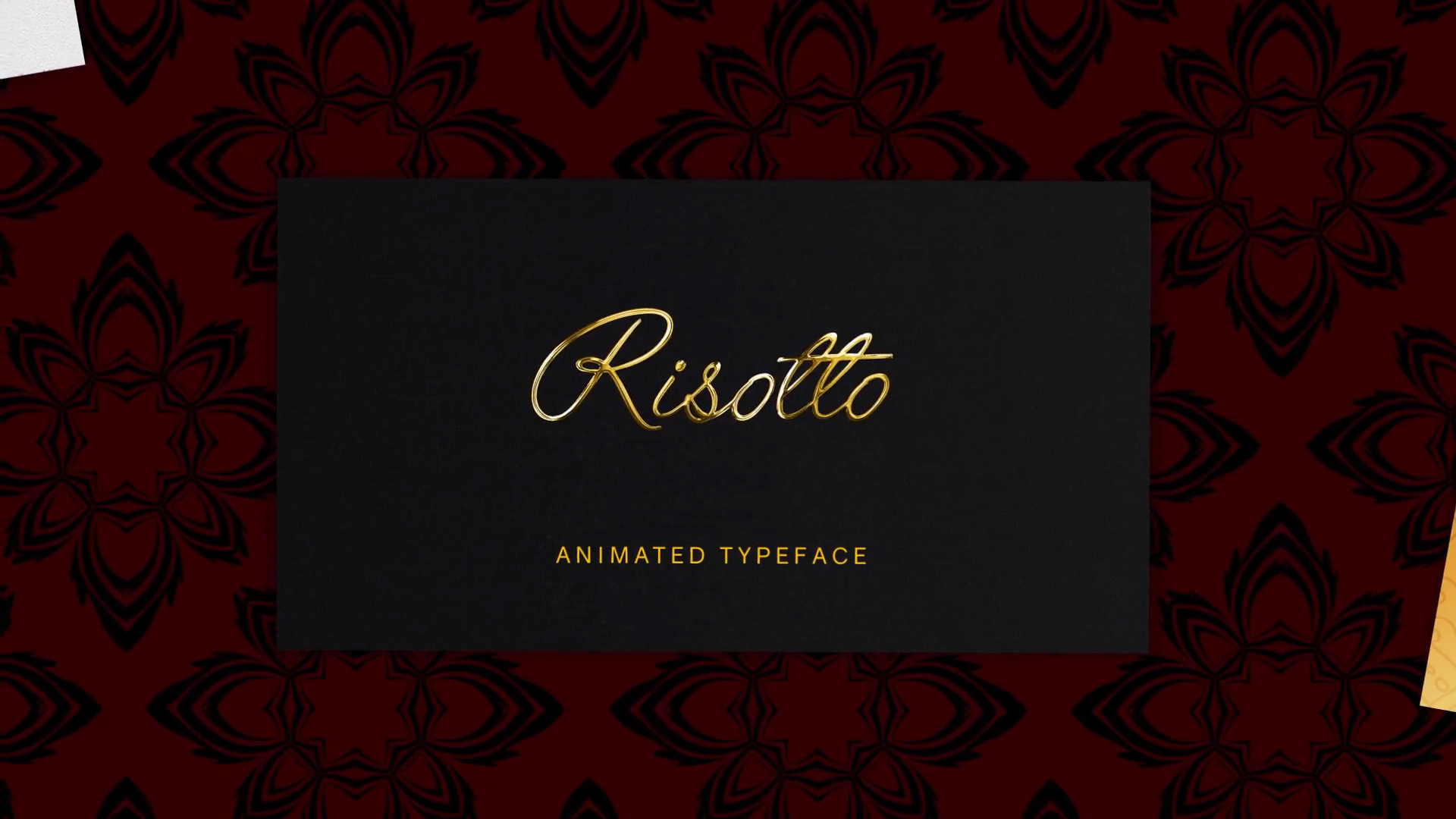
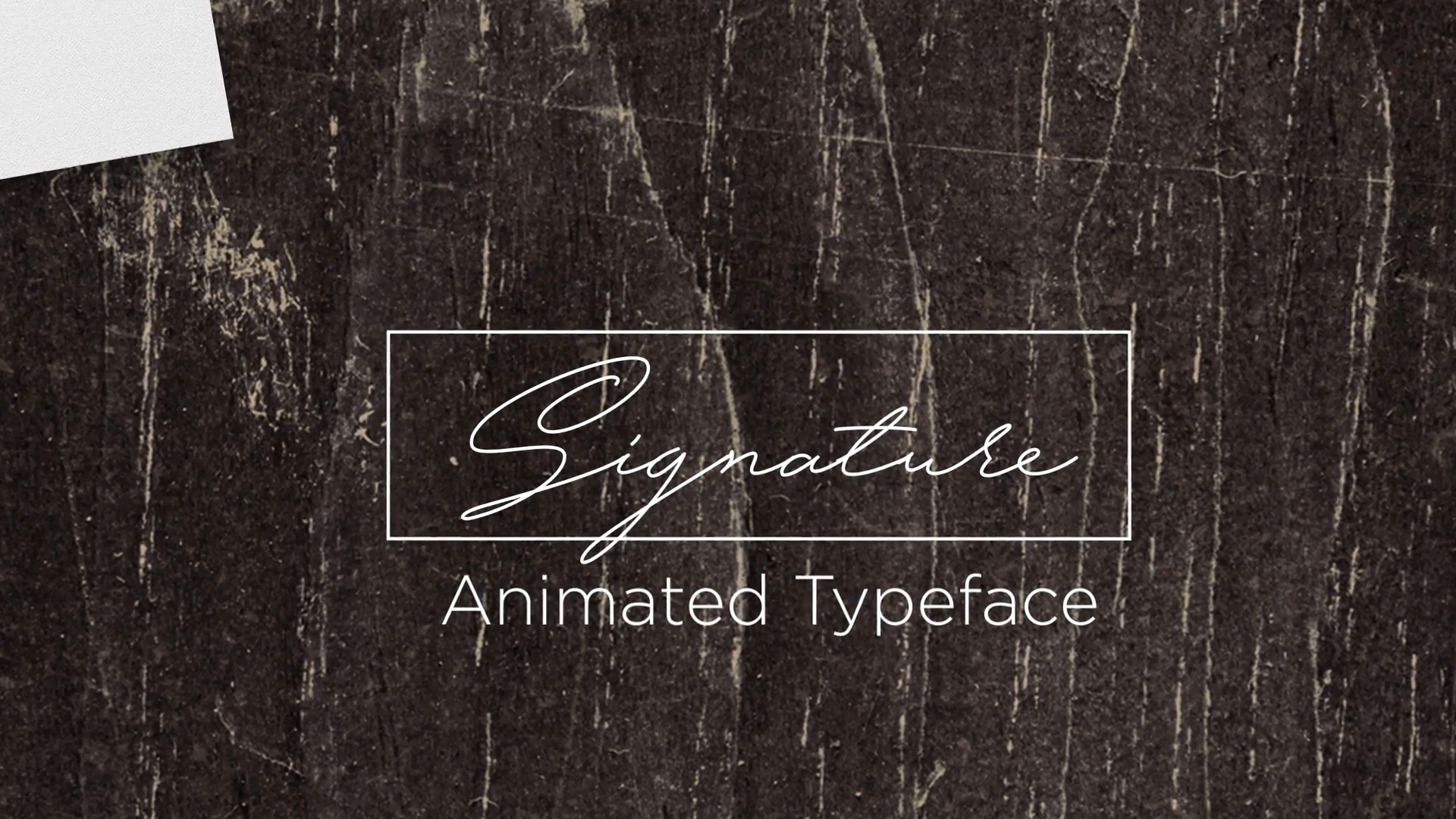
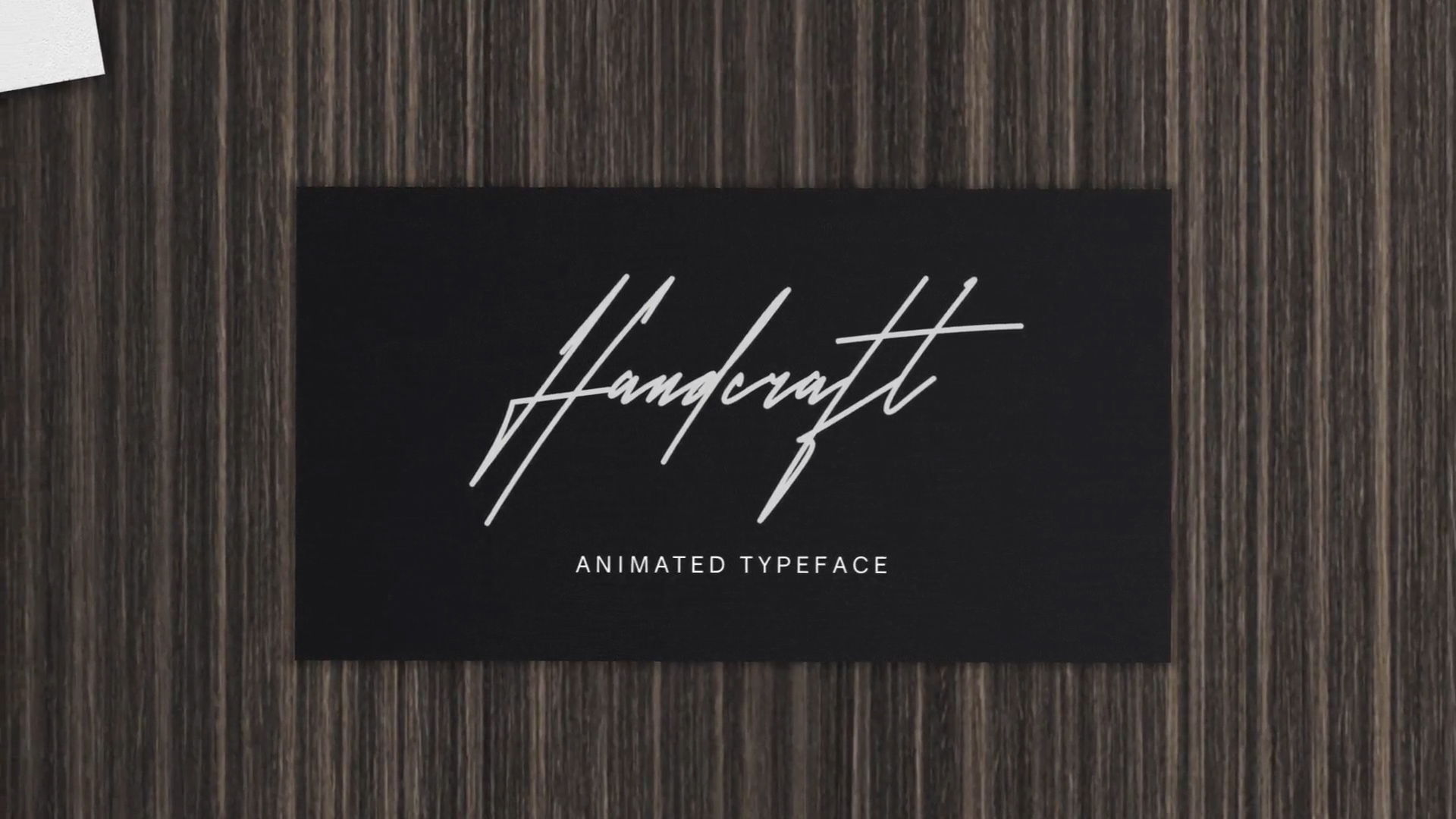
Esquire is a premium, high-contrast animated script designed for elegance. With its dramatic flourishes and delicate hairlines, it captures the sophistication of high-end branding and wedding cinematography.
Features
- Fully editable text and characters
- No plugins required
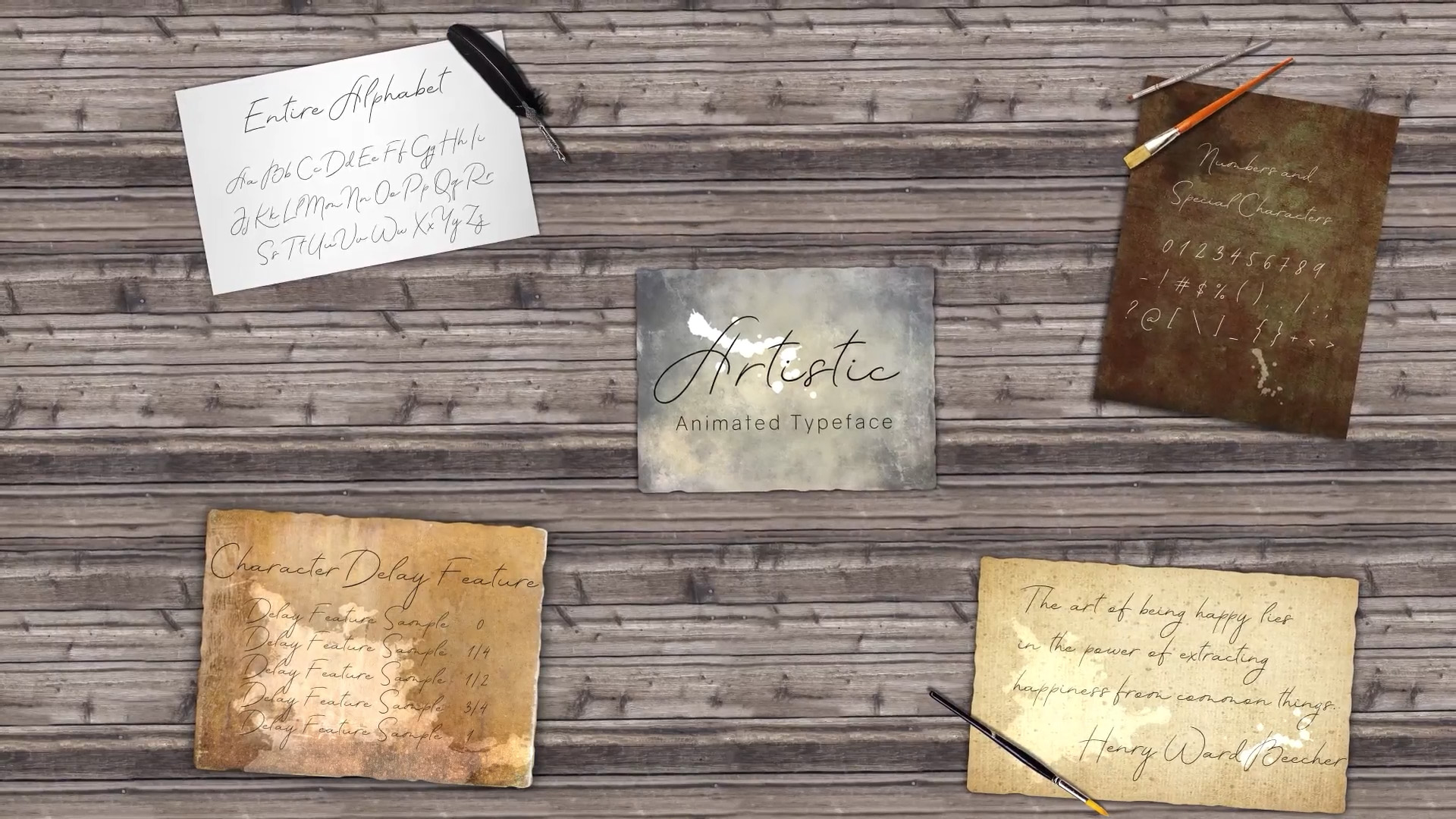
- Character Delay Feature included
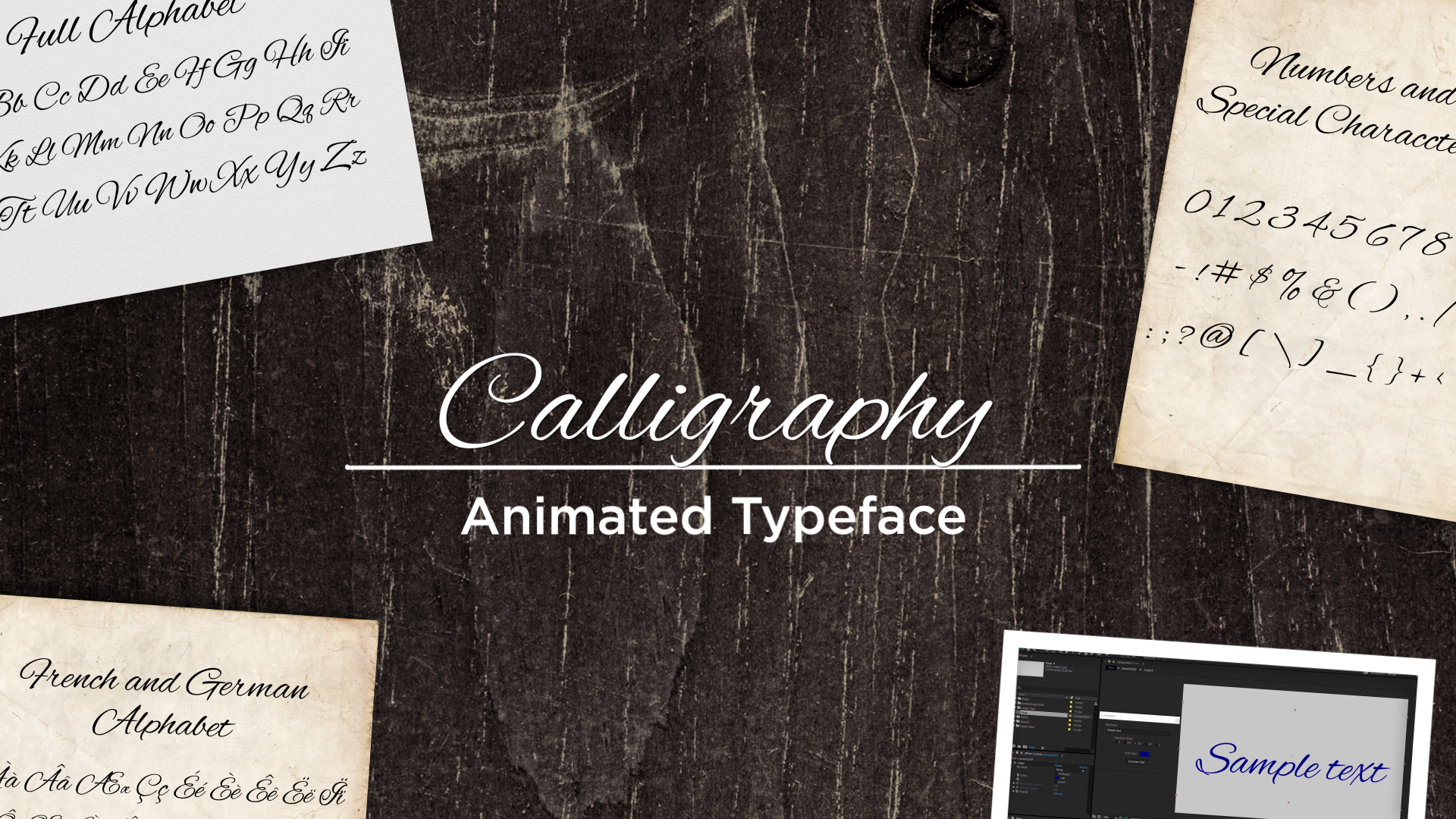
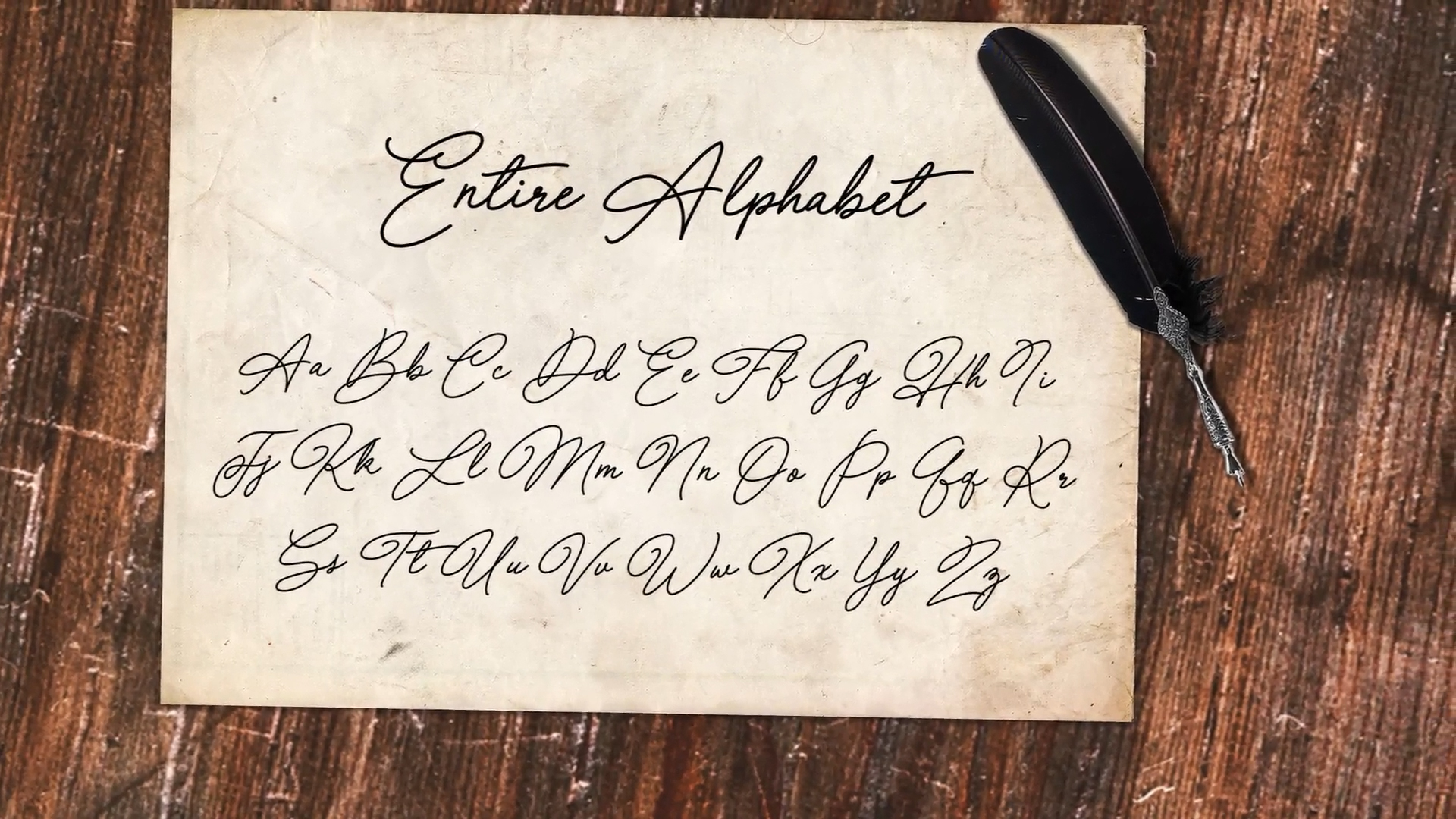
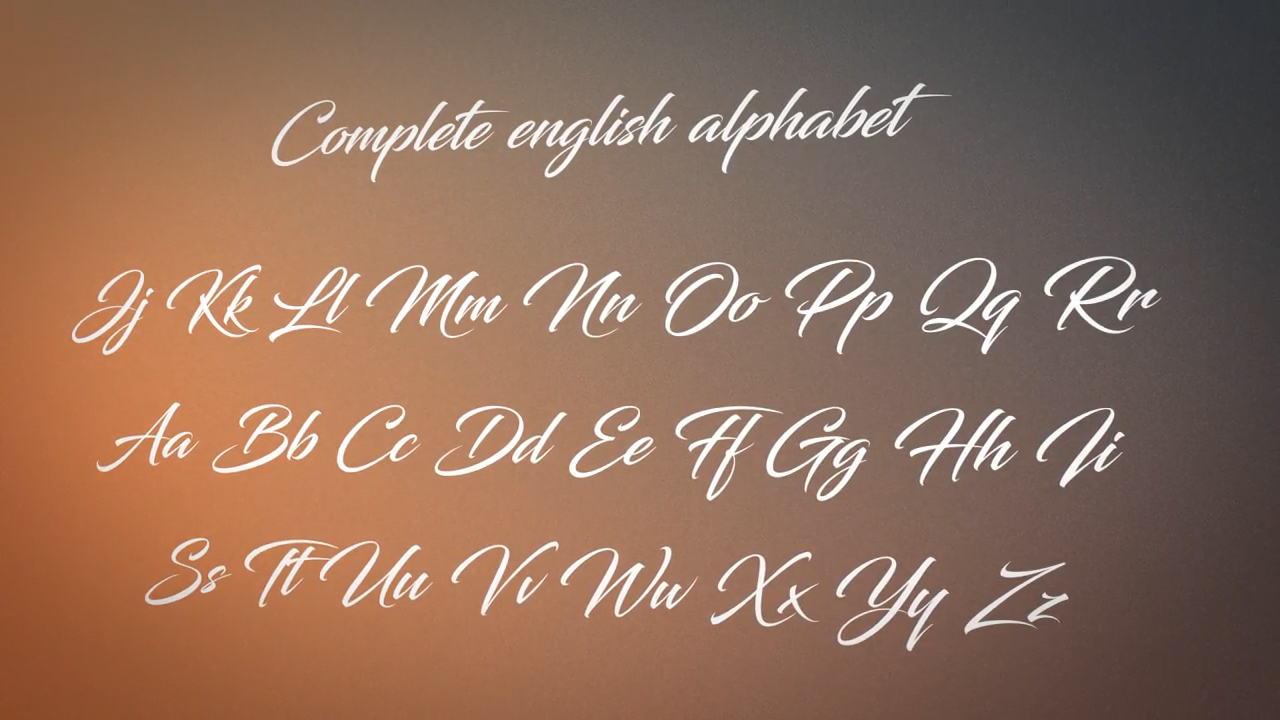
- Multi-language support (Western European)
- Universal Expressions
Technical Specifications
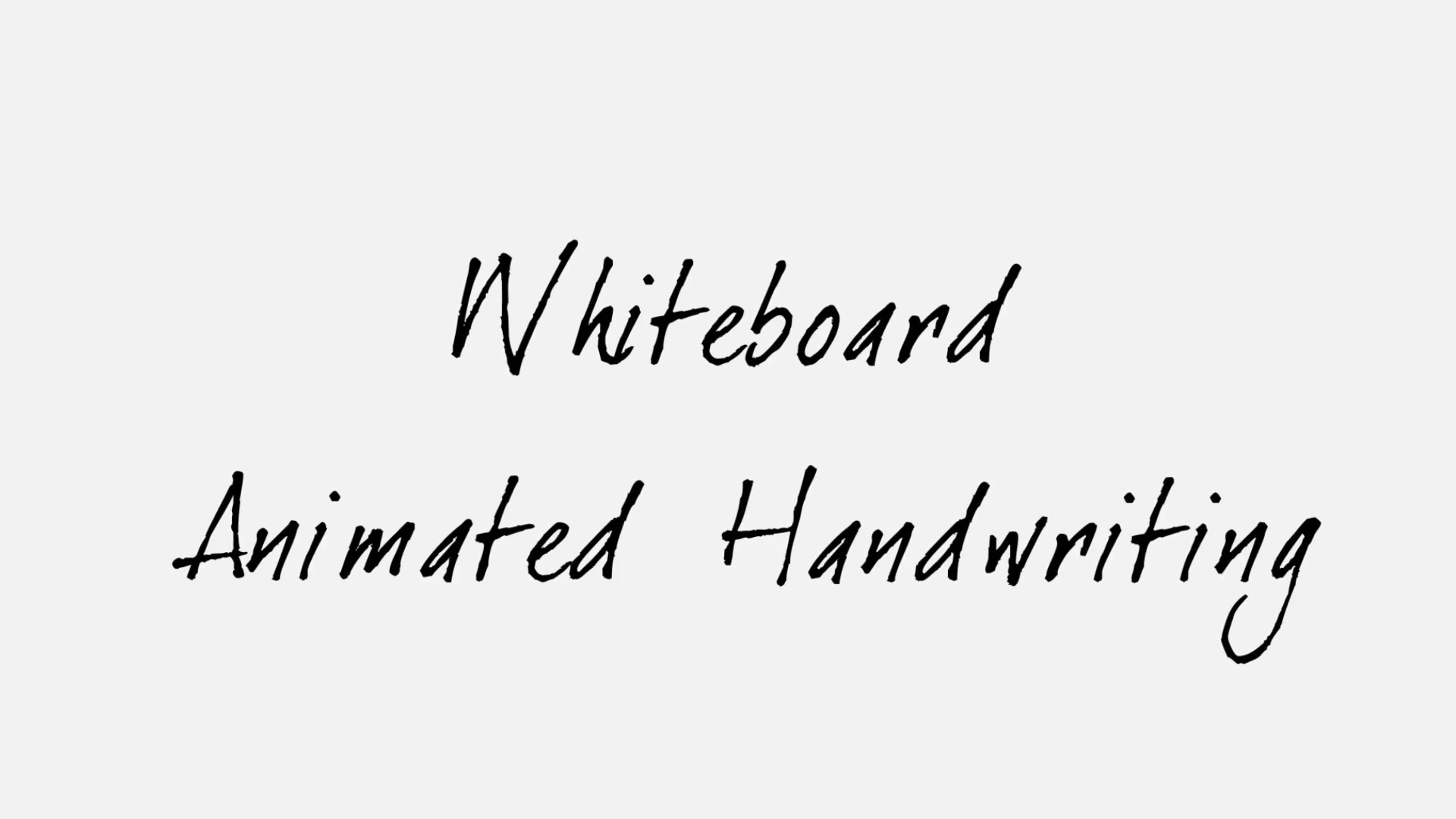
Animated Handwriting
Guide
Thank you for purchasing our animated handwriting project! We've designed this tool to be straightforward and easy to use, so you can create amazing handwriting animations in seconds.
Applies to: All single-font animated handwriting scripts that
include an .aep project file.
Quick Start
Getting started is quick and straightforward:
-
Download and extract the
.zipfile from your account dashboard or purchase email. -
Open the provided
.aepfile and navigate to the main composition. -
Run the script by going to File → Scripts → Run Script File... and selecting the provided
.jsxfile. -
In the interface that appears:
- Enter your desired text
- Adjust the character delay
- Choose your color
- Click "Generate"
Tip: We have also prepared a video tutorial for you.
Installation Optional
If you'd like the script to be dockable (accessible from the Window menu like other panels), you can install it permanently:
-
Locate the
.jsxscript file inside your extracted folder. -
Copy this file to your After Effects ScriptUI Panels folder:
Windows:
C:\Program Files\Adobe\Adobe After Effects [version]\Support
              Files\Scripts\ScriptUI Panels
Mac:
/Applications/Adobe After Effects [version]/Scripts/ScriptUI Panels - Restart After Effects.
- Access the panel from Window → [Script Name].
Note: Installation is not required. You can always run the script directly via File → Scripts → Run Script File... without installing.
Understanding Character Delay
Character delay controls the timing between characters in your animation. Think of it as the "flow" of handwriting.
- A value of 1: Characters animate one after another, like natural handwriting.
- A value of 0.5: Each new character starts when the previous one is halfway done.
- Lower values: Create more overlap between characters (faster, more fluid).
- Higher values: Create more spacing between characters (slower, more deliberate).
Project Integration
For best performance, we recommend using the project as a standalone file and pre-rendering the animation. This keeps your main project lightweight and ensures optimal performance.
However, you can also import the project directly into your existing After Effects file if you prefer to keep everything in one place.
FAQ
The script isn't showing up in the Window menu after installation.
Make sure you placed the .jsx file in the correct ScriptUI Panels folder (not the parent Scripts folder) and restarted After Effects.
I get an error about "Allow Scripts to Write Files."
Go to After Effects → Preferences → Scripting & Expressions, and enable "Allow Scripts to Write Files and Access Network."
Can I change the font?
These single-font scripts use a custom animated font built into the project. To use a different style, check out our other animated handwriting scripts.
How do I make the animation faster or slower?
Move the speed marker in the timeline to control the overall animation duration. If you want the text to appear faster while keeping individual character animations graceful and smooth, lower the Character Delay value instead.
Can I use this for commercial projects?
Yes! Your license includes commercial use. See our Terms of Service for full details.
The text looks blurry or pixelated.
Make sure your composition resolution and export settings match. For crisp results, work in at least 1080p and avoid excessive scaling.
Need Help?
We're here to help you create amazing animations!
Email: Loading…
Response time: Usually within 24 hours, sometimes within minutes.
Ready to speed up your workflow?
Start using it today with instant delivery and lifetime updates.
$19 one-time